Video walkthrough coming soon
The written steps below cover everything in the meantime.
About 5 min to follow along
When you’re done
- Your salon number ringing in the browser
- Every call, voicemail and transcript in one place
- Clients’ history on screen while you talk
- 1
Coming soon
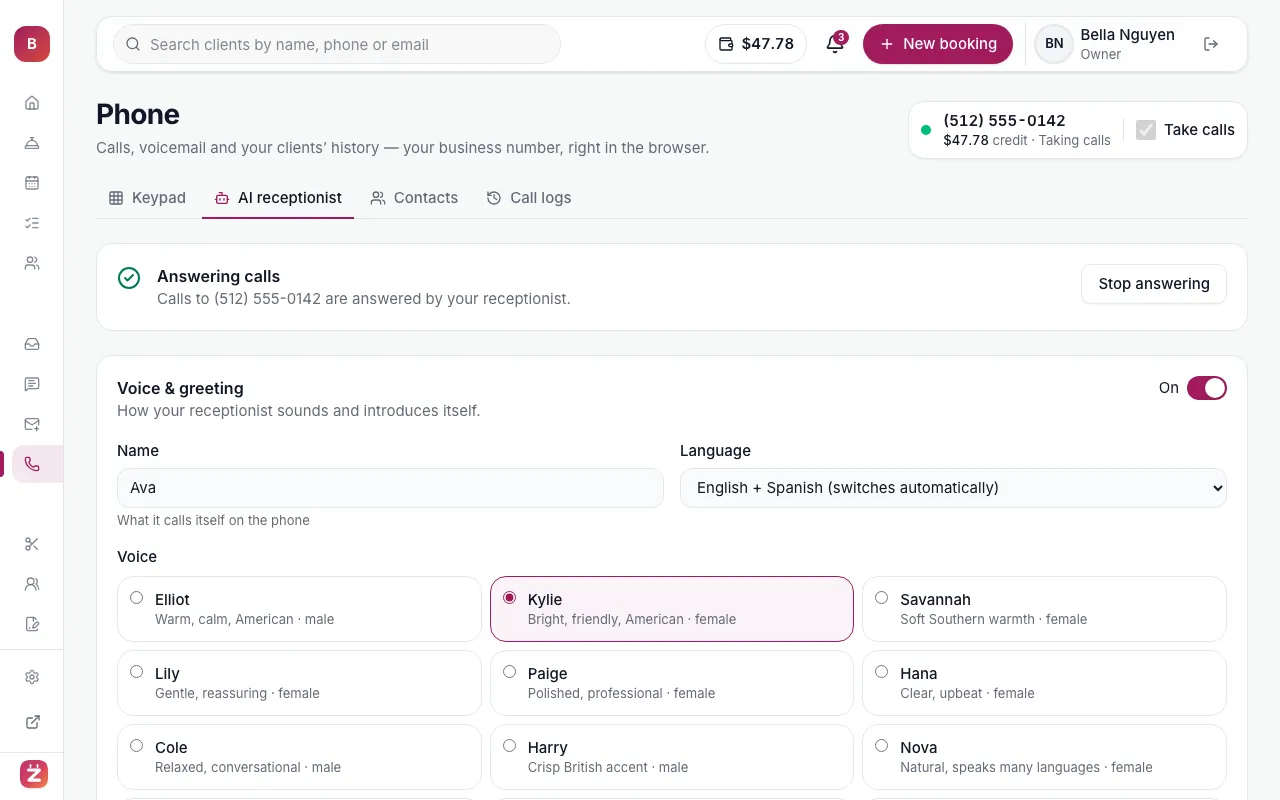
Phone & AI receptionist are coming soon. Soon you’ll answer and make calls from your browser with your business number, and an AI receptionist will pick up when you’re busy and book for you.
- 2
Before you start
The business phone is coming soon — you’ll see “Soon” next to Phone in the left menu. When it opens, it’s on the Salon and Pro plans.
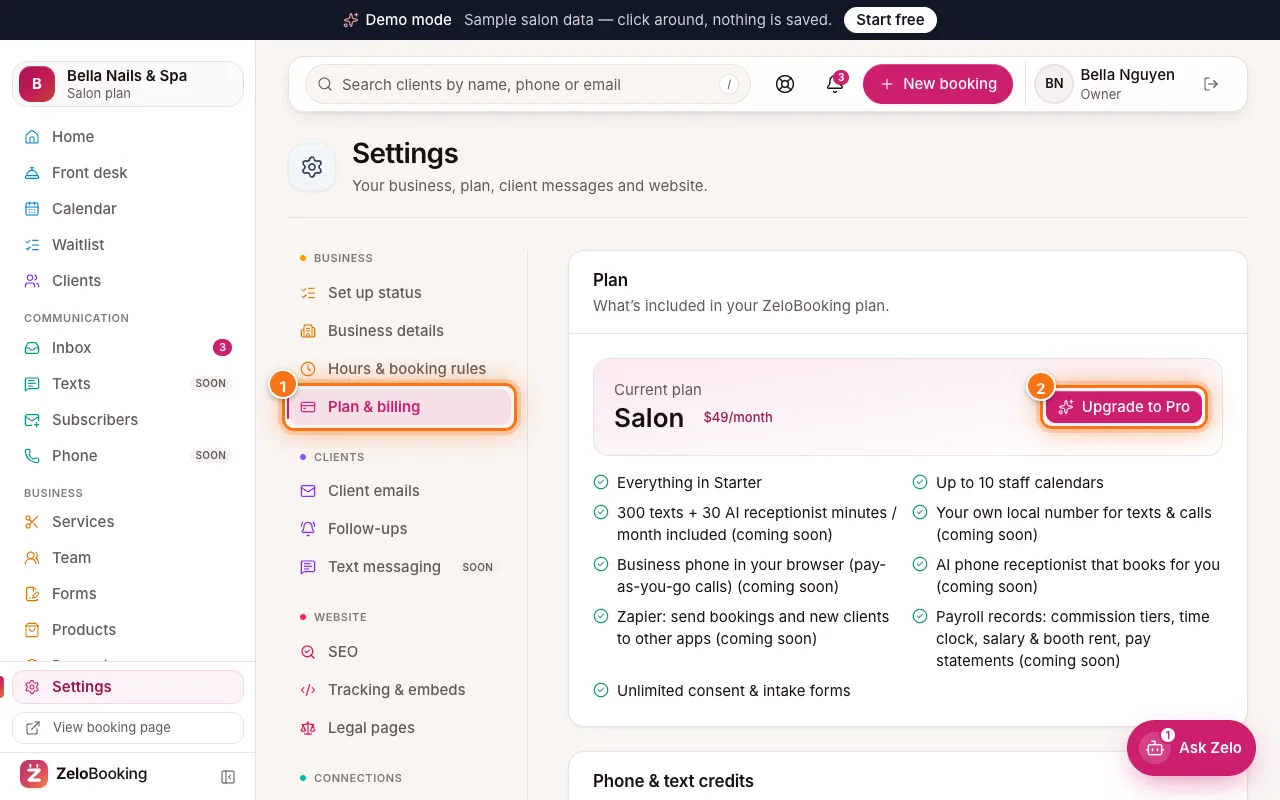
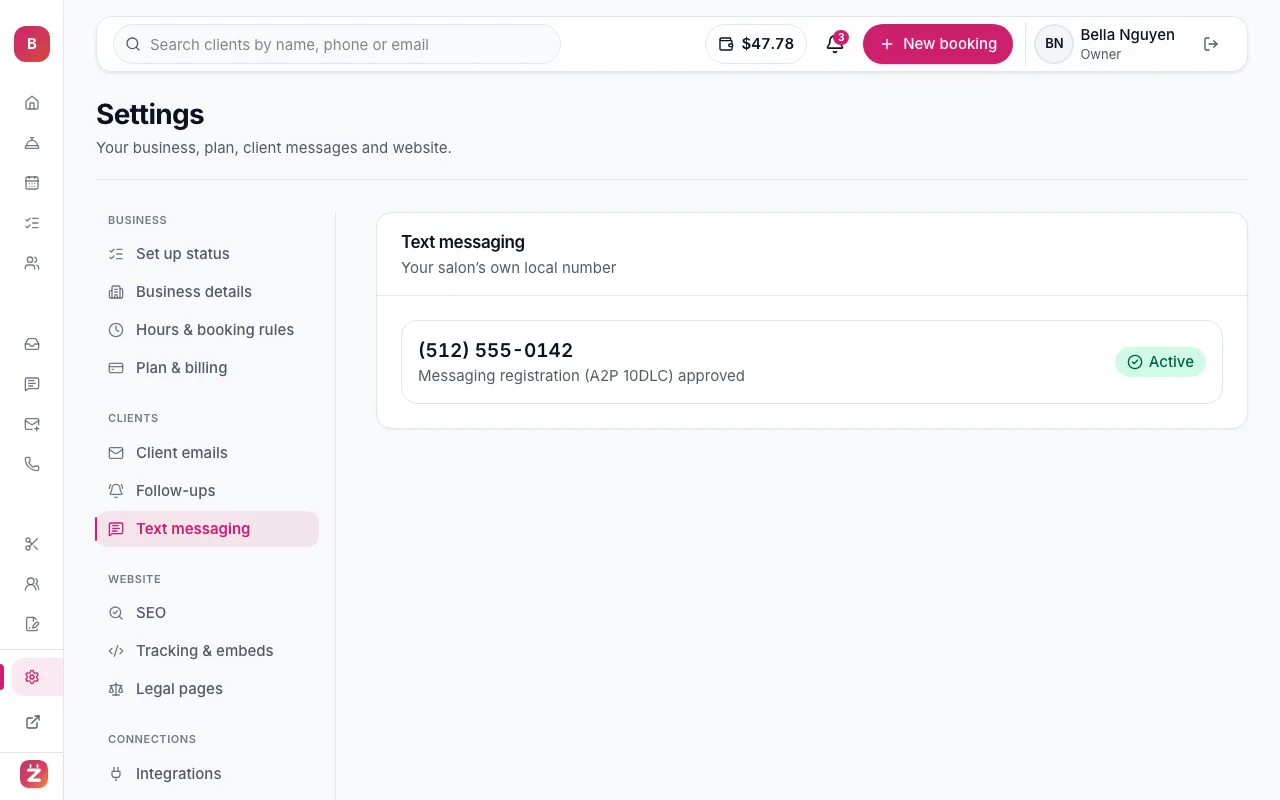
You need a business number first (Settings → Text messaging → “Get a new local number” or “Move my existing number”), and a little pay-as-you-go credit, because calls are charged per minute.
- 3
Turn on browser calling
In the left menu, click “Phone”. The owner clicks “Turn on browser calling” once for the whole business — we also register your business address for 911.
Then, on each computer or tablet that should ring (for example the front desk), switch on “Take calls” at the top of the Phone page and allow the microphone when the browser asks.
Tip: Use a headset at a busy front desk — clients hear you much better than through a laptop microphone.
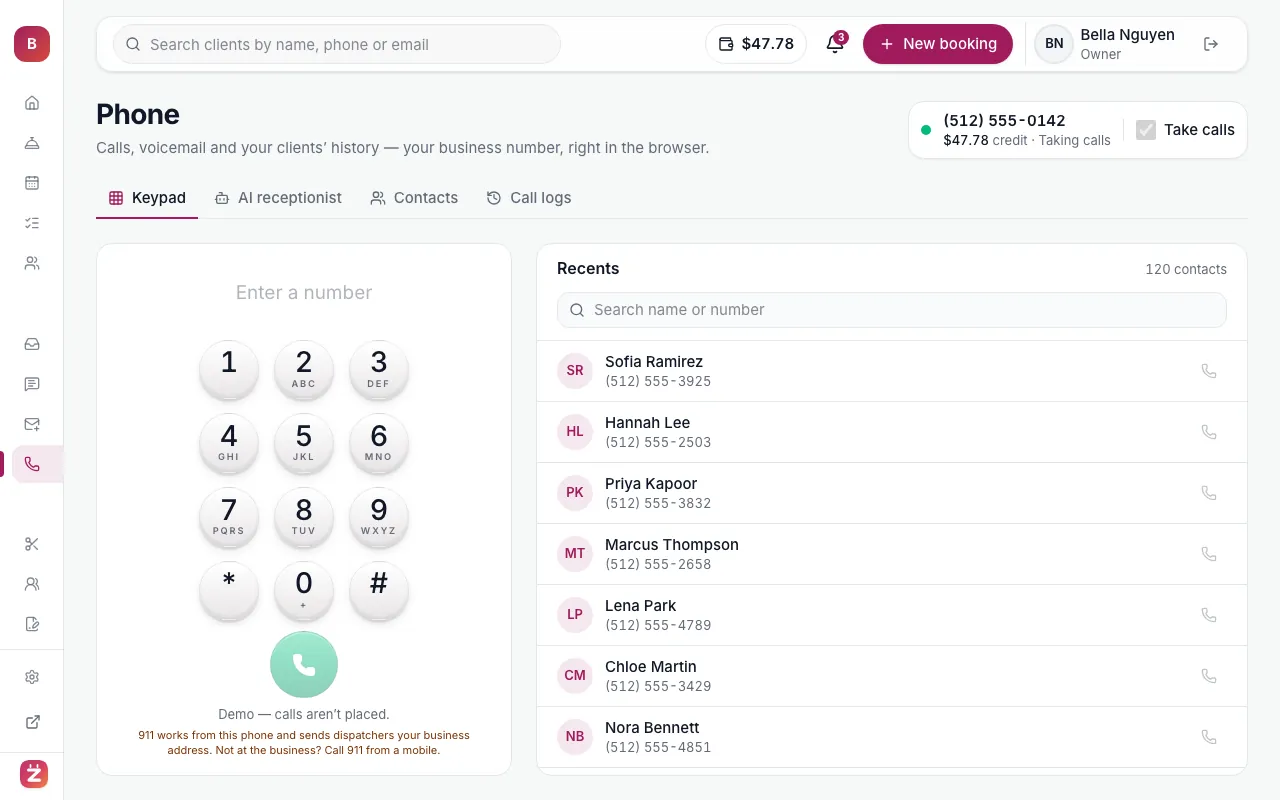
Phone: keypad, recent contacts, credit balance and the Take calls switch - 4
Make a call
On the “Keypad” tab, type a number and press the call button, or pick someone from “Recents”. The “Contacts” tab lists every client with a phone number — search by name, email or number.
Clients see your business number as the caller ID. 911 always works from this phone and sends dispatchers your business address.
- 5
How incoming calls are answered
A call rings everyone who has “Take calls” on. If nobody picks up, the AI receptionist answers (if you’ve turned it on); otherwise the caller can leave a voicemail. Voicemails are transcribed so you can read them.
- 6
Check your call logs
Open the “Call logs” tab. It lists every call to and from your business number — answered, missed, voicemail and calls handled by the AI receptionist — with what happened (for example “Booked an appointment” or “Took a message”), the transcript and a “Call back” button.
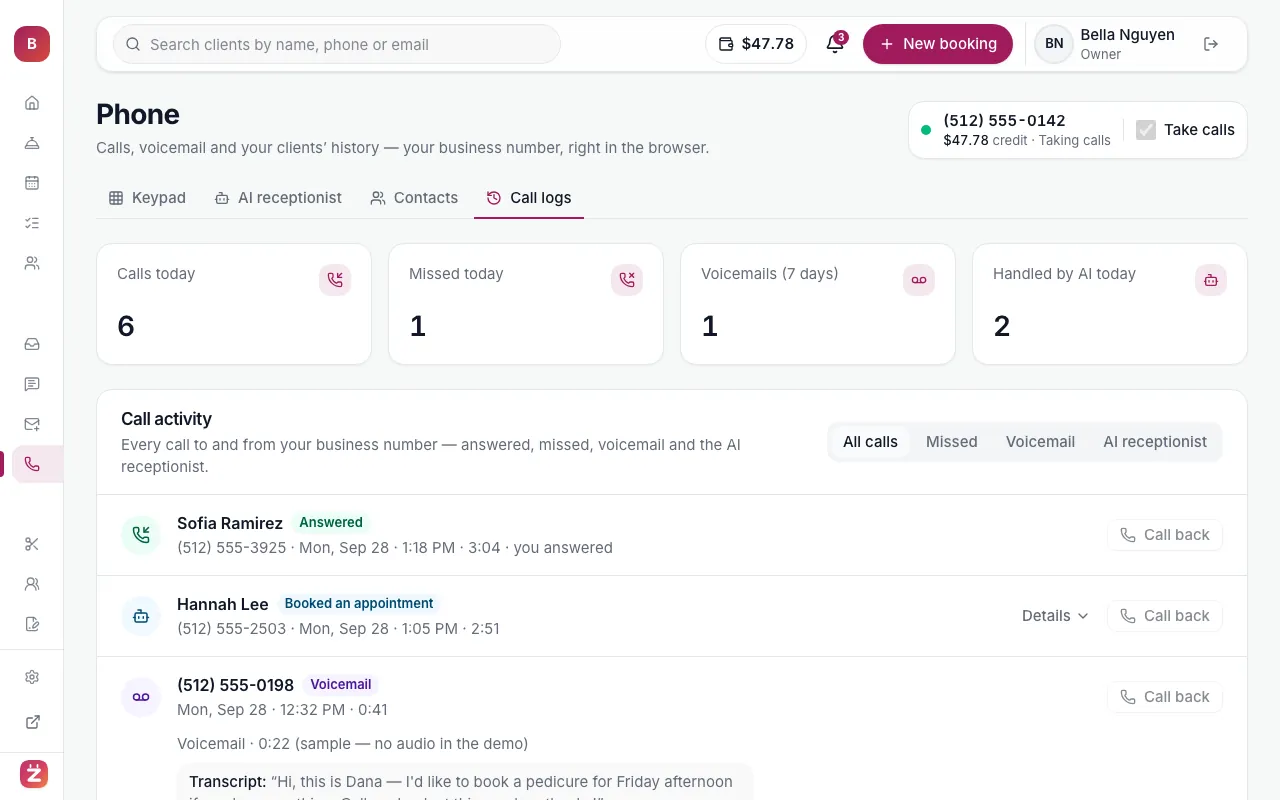
Phone → Call logs: answered, missed, voicemail and AI-handled calls